


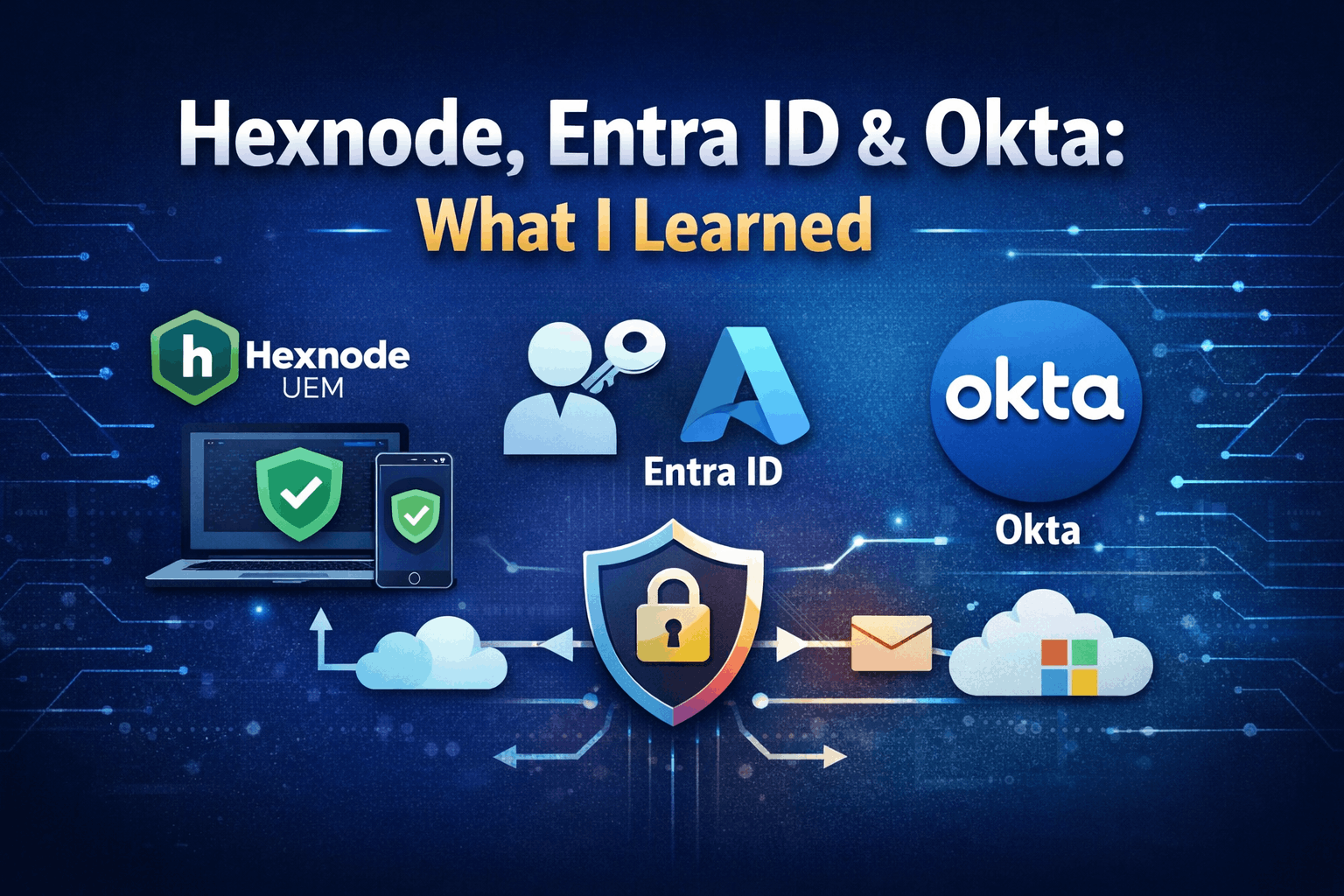
Overview
Recently I had job interview and I want to share what I learned. I had insightful experience that lead up to the interview.
These days security and access control operate across three layers:
- Identity layer (Who you are)
- Device Layer (Is your device trusted)
- Access policy layer (Under what conditions can you access recourses)
Mapping the tools:
Okta / Entra ID – Identity
Hexnode – Device
Conditional Access – Policy

Hexnode (Device Layer)
- Enroll and configure devices.
- Secure and make devices compliant.
- App and content distribution.
- Restrict devices to specific, authorized applications or websites.
Hexnode – is a Unified Endpoint Management(UEM) platform that enforces device compliance, policy configuration, app distribution and security baselines across OS. With Hexnode you are able to monitor, manage and secure any device from centralized console. It supports multiple operating system so it can be used by most.

Okta (Identity Layer)
- Single Sign-On to access multiple applications without needing to re-enter credentials.
- Enhances security by requiring additional verifications (MFA).
- Identity management that allows teams to manage user access to cloud based and on premises applications.
- Okta allows to streamline user access.
Okta – Is perfect for for identity and access management (IAM) tool. It’s all in one security platform that provides single sign on (SSO) and multifactor authentication to manage employee or customer access to various applications and devices. Okta is ecosystem neutral and often preferred in SaaS heavy environments.

Microsoft Entra ID (Identity + Policy Layer)
- Enforces security policies based on risk, device compliance and user location.
- Single sign on (SSO) for cloud and on premises applications.
- Uses AI powered security to detect and remediate compromised credentials.
- Widely used in Microsoft ecosystem.
Entra ID – Is ideal for making seamless managing windows devices and Microsoft applications. Also Entra ID is often bundled with Microsoft 365 licensing, offering significant cost advantages. To summarize if your company is heavily invested in Microsoft 365 choose Entra ID.
What I Learned
Hexnode is for enterprise only even the free trial is not accessible for regular guy, but I thought why not to try registering with my blogs email, because they don’t allow regular @gmail.com.
So after I registered my self with my domains email I got a phone call straight after asking me questions if I’m a business etc. I was very honest and said I just want to learn functionality of the tool and play around it so the guy was very nice and gave me access to all their services for two days which was enough to get my hands dirty.
I managed to connect Entra ID to Hexnodeand I understood that users are enrolled in Entra ID where user identity is stored and hexnode manages the devices like OS version, encryption, apps, compliance. In Entra you can create conditional access that when ever a user tries to log in Entra checks both identity (MFA) and device compliance granting access.
Example: admin trying to access microsoft 365
- User enter credentials.
- Entra verifies identity.
- MFA challenge triggered.
- Conditional access checks: Is the device entroled? Is it compliant with Hexnode?
- Access granted or blocked.
I understood that depending how many custom / specific apps you have the more you would use Okta otherwise if you heavily rely on Microsoft 365 then Entra does the job.